Features
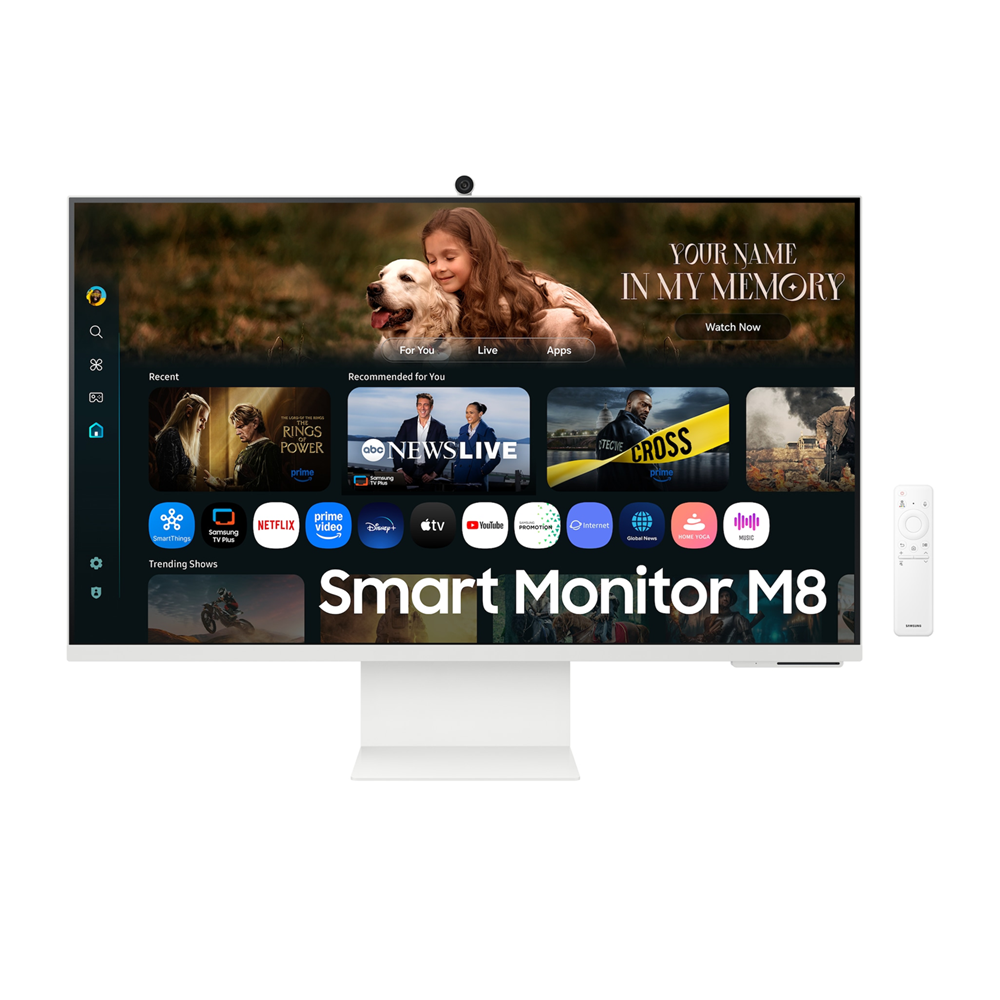
New AI Smart Monitor


Key features at a glance


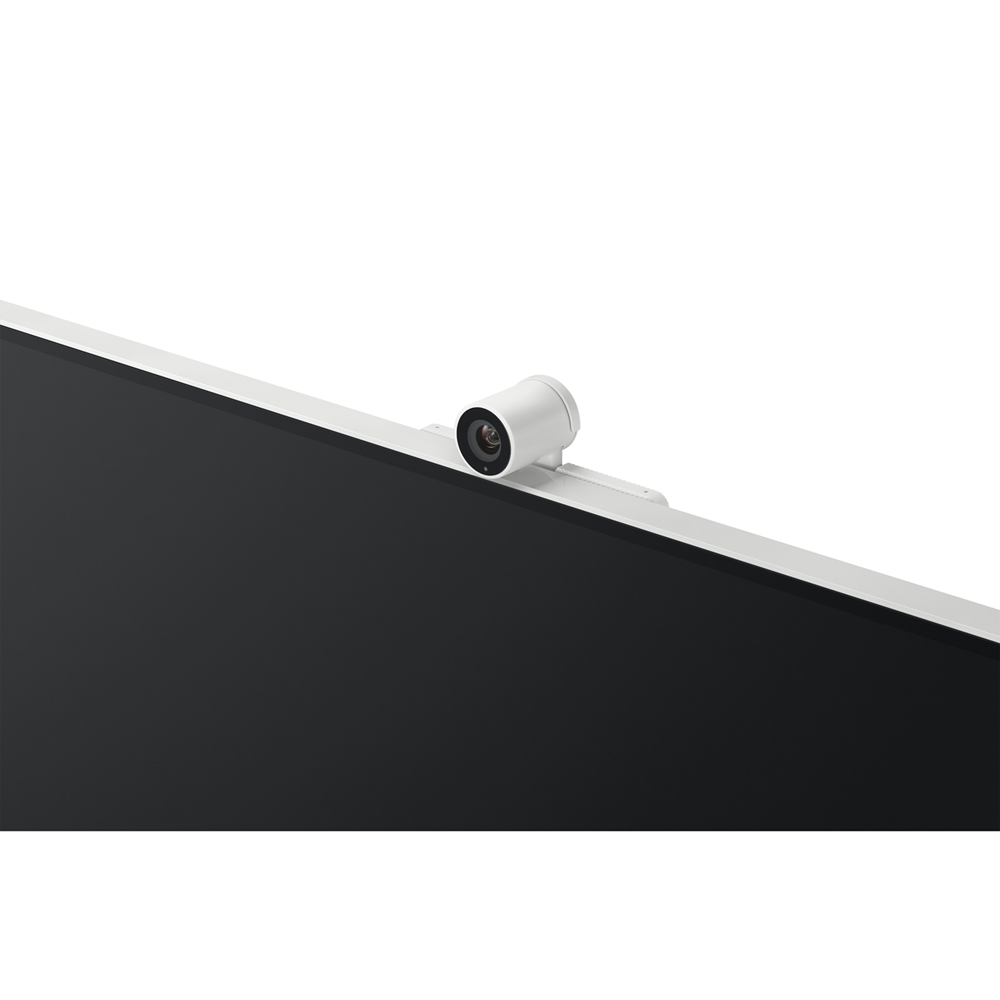
Watch Together with your AI Companion
Instant access to your favorite streaming content
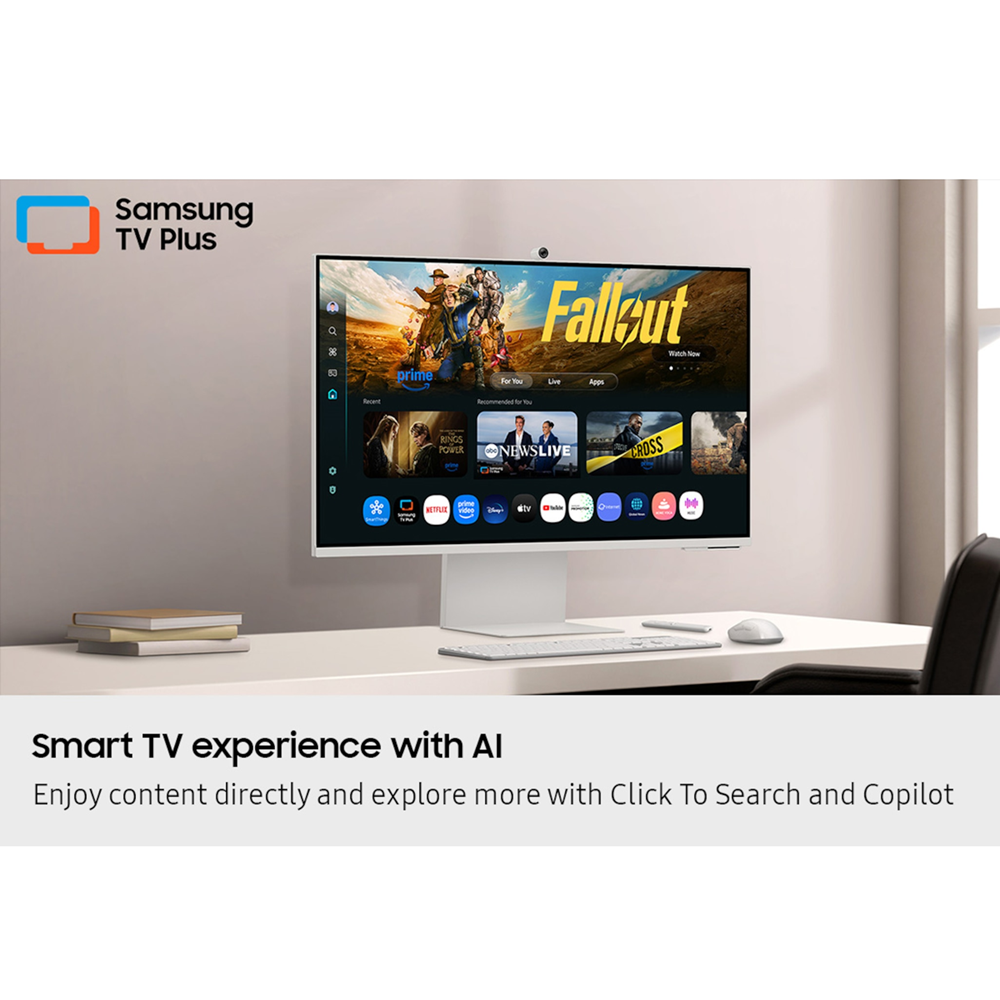
Smart TV Apps
Stream content directly from your monitor, or tune into Samsung TV Plus to get live TV channels and on-demand content.


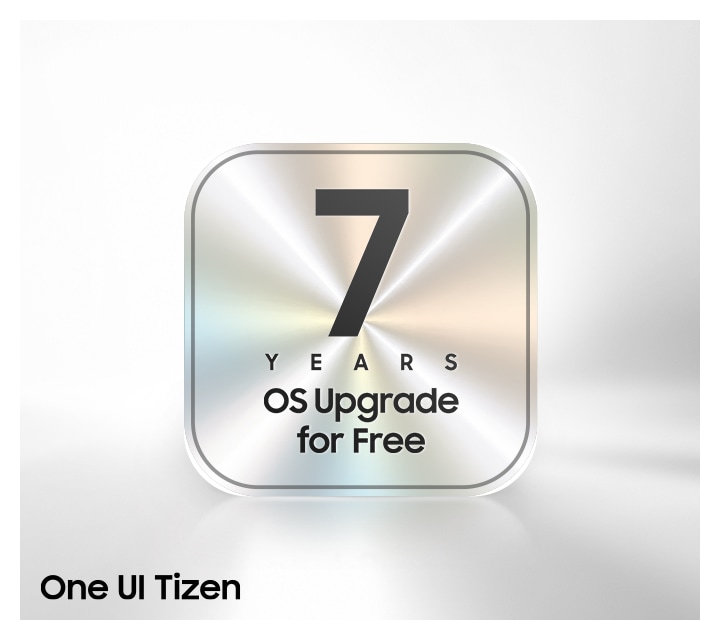
Enjoy 7 years of Monitor upgrades for free
One UI Tizen
One UI Tizen is your personalized and enhanced screen experience, powered by Samsung Tizen OS. With One UI Tizen, you can take advantage of the latest and innovative Samsung features. One UI Tizen will also support Tizen OS upgrades for up to the next seven years.
* Content and services may vary by region and are subject to change without notice.
* Agreement to Smart Hub Terms and Conditions and Privacy Policy is required before use.
* Some content and services require registration and subscription.
* Requires Samsung account.
* Tizen OS upgrades will be supported for up to 7 years starting from 2025, for products released in the year 2025.
* Please note that the upgrade does not cover hardware-related performance, features or durability.

AI-Powered Picture and Sound


Upscale your streaming content with AI
4K AI Upscaling
Unlock the full potential of a 4K screen when streaming content directly on your monitor. Powered by the NQM AI Processor, AI upscaling turns lower resolution content up to nearly 4K, transforming entertainment with new levels of definition.


Optimally tailored visuals with AI
AI Picture Optimizer
Experience optimal picture quality adjusted to your needs. AI Picture Optimizer adapts the visuals to help you work on documents with comfort, get fully immersed in games with deep, rich blacks and watch videos in vibrant colors.


Hear every word clearly with AI
Active Voice Amplifier Pro
Enjoy an unparalleled audio experience with AI technology. Active Voice Amplifier Pro uses advanced audio processing to analyze voices and background sounds in your content and ambient noises around the monitor — delivering every word with crystal clarity.
* Screen images simulated for illustrative purposes.


Safe and Easy Connections


Simple control for your smart home
SmartThings
See your smart home devices in a 3D Map View and manage them with ease. You can also check the energy usage and cost by device, and save money by putting them in energy-saving modes. Simply tap into the all-in-one IoT hub using your mobile phone or voice command — without pausing shows.


Your privacy. Secured on Samsung monitors.
Knox Security
Keep your monitor data safe and confidential with Samsung Knox. Its robust, multi-layered security and tightly controlled access also enhance the security of your IoT connections made through your Smart Monitor. Plus, your Smart Monitor comes with Knox Vault — a built-in hardware chip designed to safeguard sensitive information from physical attacks — adding an extra layer of protection for peace of mind.


Faster, easier access to your work tools
Workspace
Access and control your PC remotely, or work directly on the monitor. Built-in apps like Microsoft 365 let you bypass the PC for a simpler, more streamlined work experience. Plus, with Multi View you can see apps side-by-side and take your productivity to new levels.
* On-screen content simulated for illustrative purposes.
* Microsoft 365 requires Microsoft account. Some features of Microsoft 365 require subscription.
* Windows 10 Pro, Mac OS 10.5 or higher, and compatible network settings are required for this feature.


Style and Convenience


Enjoy a stylish and comfortable setup
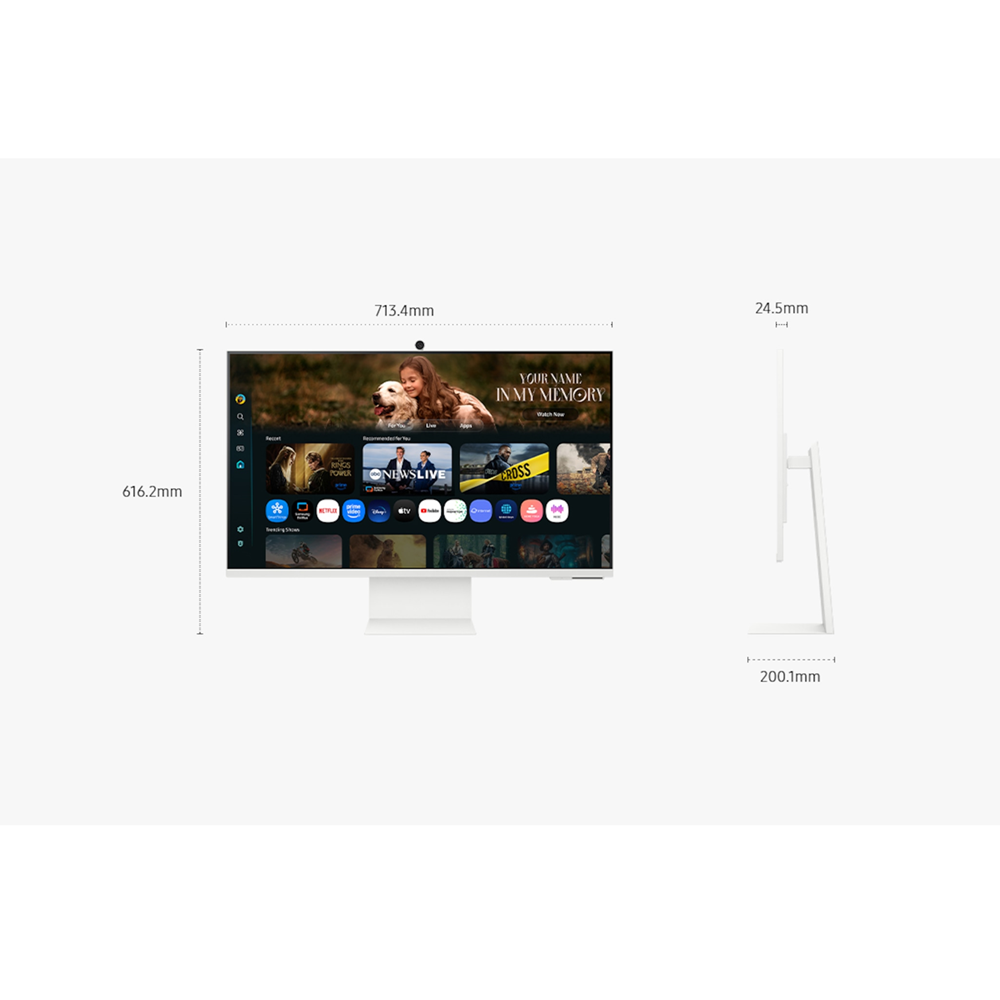
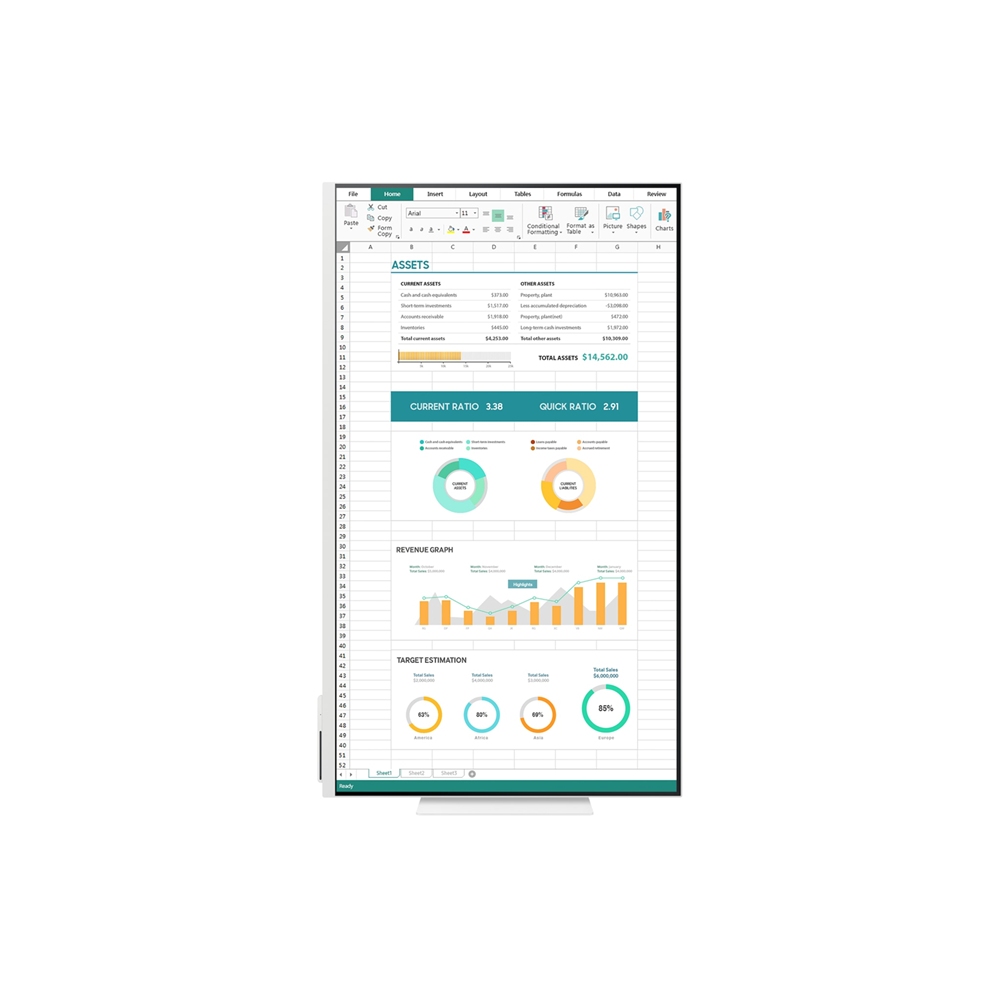
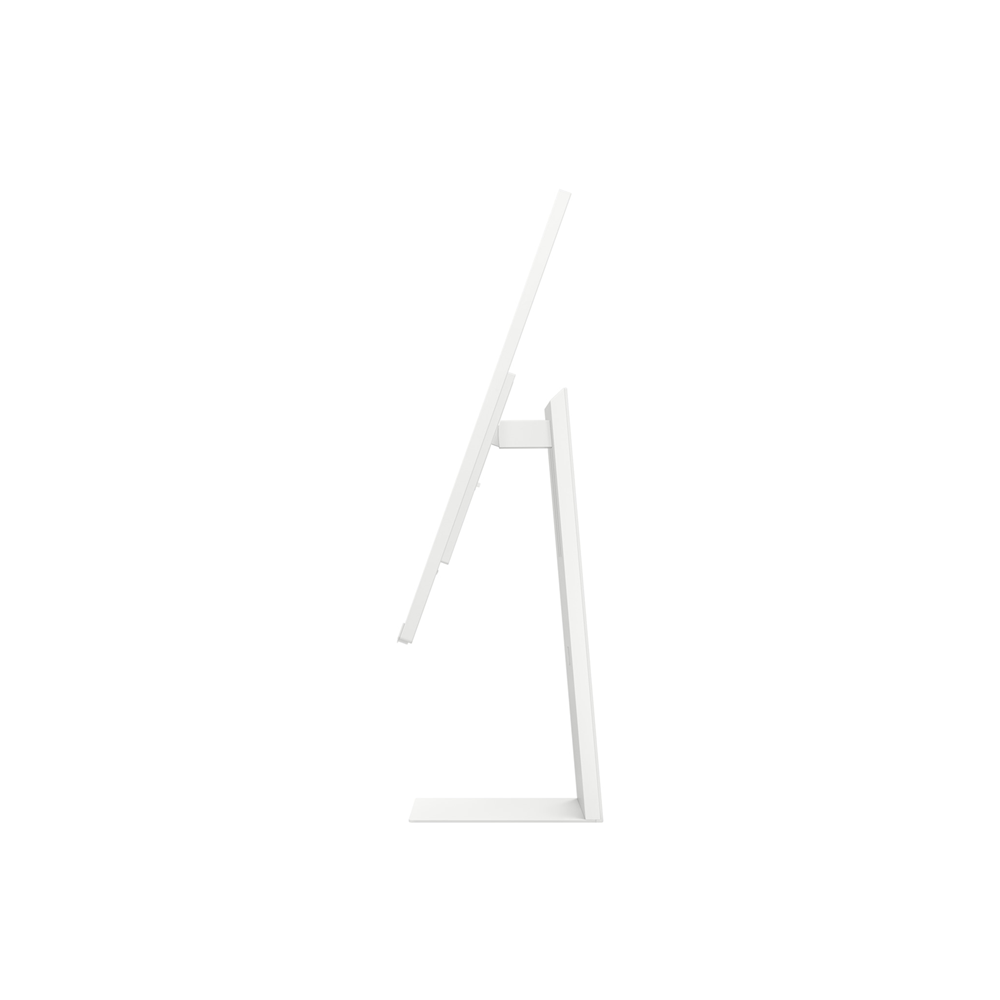
Ergonomic Design
Elevate your workspace with Smart Monitor, which offers a stylish look and provides comfort. Its adjustable stand lets you effortlessly tilt, pivot, and change the height